How to Build a Simple Website Without Overcomplicating It
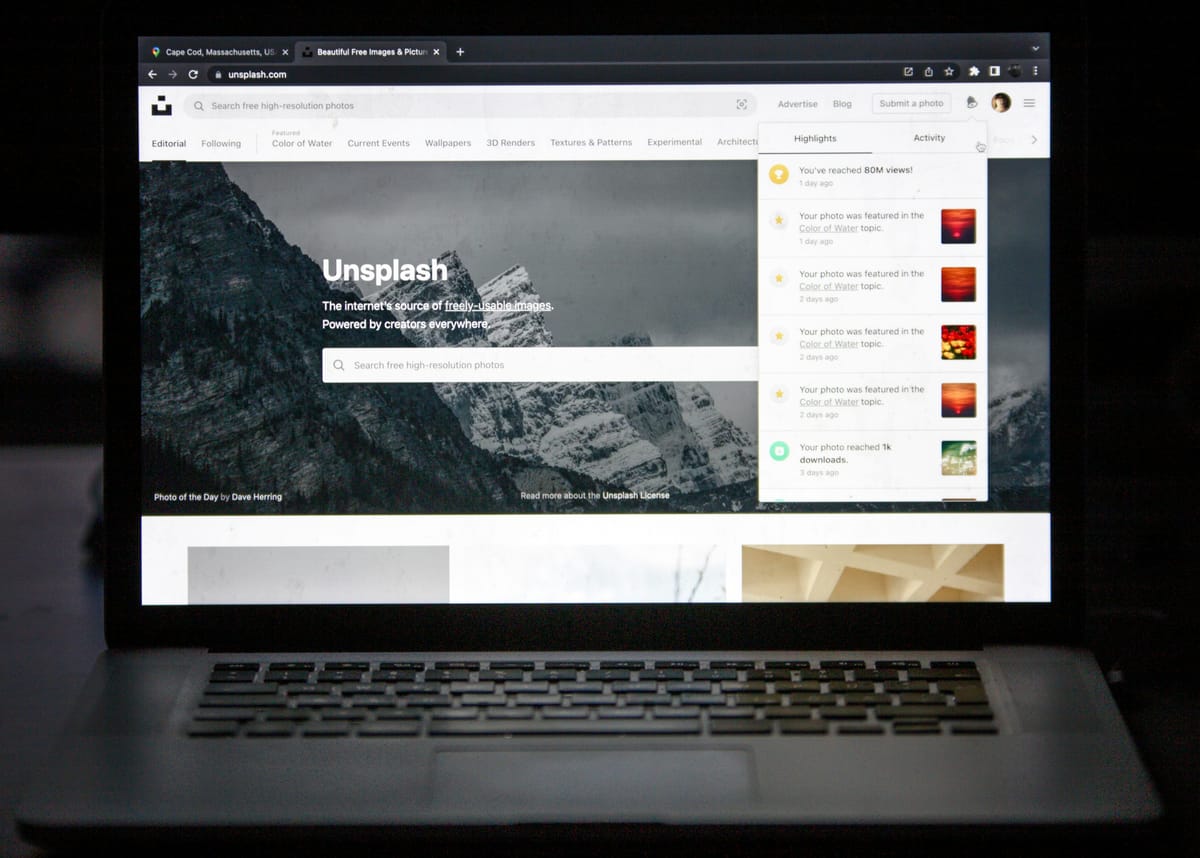
Let’s be honest. Building a website feels overwhelming for a lot of people. You start thinking you need to become an expert in hosting, security, design, and SEO overnight. The truth? You don’t.
What you really need is a simple website that works. Something clean, functional, and ready to grow with you. This guide is about cutting through the noise and getting you online, fast.
Step 1: Get Clear on Your "Why"
Before you even look at a template, answer this in one sentence: What is this website for?
Is it a place to show off your work?
A home for your new side business?
A blog where you share what you know?
Nail this down first. A clear purpose makes every single decision easier, from the colors you pick to the words you write.
Step 2: Pick the Easiest Tool for the Job
If you want the simplest path, use an all-in-one website builder. These platforms are designed for people who just want to build, not become system administrators.
My go-to recommendations are:
Squarespace
Wix
WordPress.com (the version they host for you)
Why? Because they handle the complicated stuff. The hosting, the security updates, the templates. You get to focus on making it look good and sound like you.
Step 3: Choose a Template That Breathes
When you pick a template, think "clean and calm." Look for one that looks good on your phone, uses easy-to-read fonts, and doesn't have a bunch of flashy moving parts.
A simple design isn't boring. It's professional. It lets your message shine, and it loads quickly, which keeps people from clicking away.
Step 4: Start With Just Three Pages
You do not need a 20-page masterpiece for your launch. You need three.
- A Homepage: This is your handshake. Tell people what this is and what they should do next.
- An About Page: This is your story. Who are you, and why should they care? Be real here.
- A Blog or Updates Page: This is your voice. A place to share ideas, build trust, and grow over time.
That’s it. You can add a contact page or a services page later. Right now, the goal is to go live.
Step 5: Write Like You’re Talking to a Friend
Forget trying to sound "professional" in a stiff, corporate way. Write how you explain things in real life.
Use short paragraphs.
Break things up with clear headings.
Say "you" and "I."
If someone can read your page and instantly get it, you've won. Search engines love that clarity, too.
Step 6: Add a Simple Tracking Tool
Once your site is live, you’ll want to know if anyone’s visiting. Connect a simple tool like Google Analytics.
Don’t get lost in the data. Just watch for three things:
How many people are coming?
Which pages are they looking at?
Where do they leave?
This isn't about big numbers at first. It's about understanding what's working so you can make it better.
A Quick Word on AI and Writing
Can AI tools help? Absolutely. They're great for kicking you out of a creative rut, organizing your messy thoughts, or polishing a rough draft.
We can dive deeper into that another time. For today, your only job is to get your real words onto a real website.
The Bottom Line
Your website is never "done." It's a living thing. The biggest mistake is waiting for it to be perfect before you hit publish.
The most important step is the first one. Launch something simple. Then, make it a little better every week.
Start simple. Put it out there. Then improve as you go. That’s how it’s really done.